I tried the Ubiquiti LPR cameras & they quickly proved how the hardware, and the people, stepped up! All LPR now via API!
Drew Lentz · 2026-09-08

Ubiquiti NYSE: UI▼ -0.62% now fully supports pushing unknown license plates via API, and the checkbox that turns it on showed up on the dashboard within a few hours of my asking for it. It isn't in the latest release notes for the software, which is why I wanted to write this quickly and let people know that yes, Ubiquiti actually does support this.
If you run their LPR cameras and you've been trying to get plate data into your own software, that's the whole story right there. Until now the firmware would send a plate via API only for a vehicle that was already known, or for a suspicious vehicle it was looking for, and the workaround everyone was using scraped the key out of log files. I'm using the new setting for a project called GuardSense, and now it's available to anyone using their cameras. Getting there also taught me a power lesson that will kill one of these cameras after dark, so I'll pass that along too.
Why I was deploying LPR in the first place
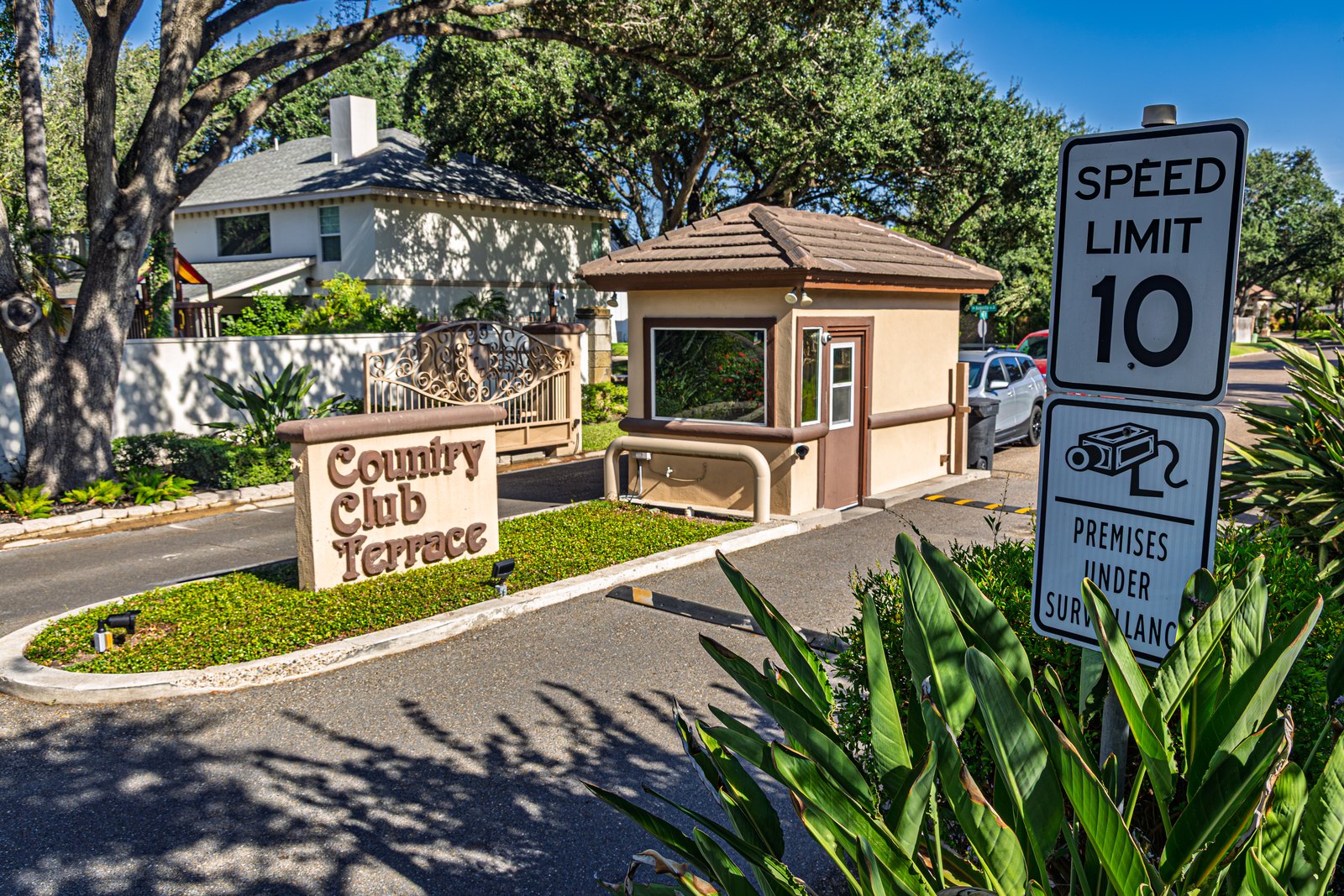
I've sold a lot of cameras, and I've deployed a lot of IP cameras and analog cameras, but this was a new corner of the market for me. GuardSense leverages the cameras at the front of my neighborhood to do license plate recognition so that we can classify the traffic coming in, whether it's a visitor or a vendor or a resident, and that's why I needed a strong camera. License plate recognition was the piece I really wanted, because it was unique and it would provide some really cool visibility into what was happening in the neighborhood.
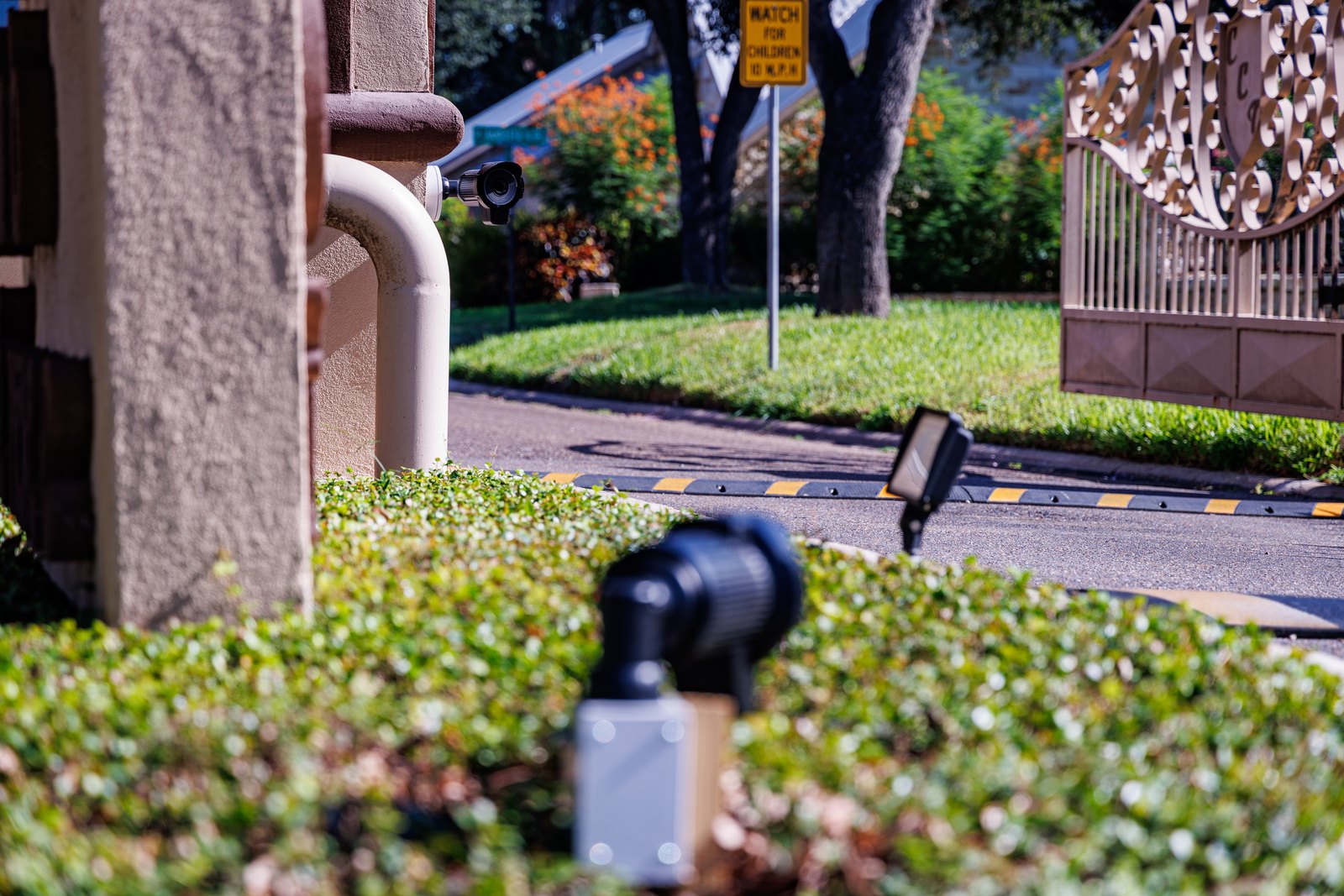
Ubiquiti calls them the LPR cameras, and they're different than the regular cameras because they've got the intelligence to do license plate recognition on the camera itself, as well as an infrared light and HDR to make sure that the cameras can pick up license plates better than normal. I did a search, went out and looked at a bunch of different LPRs, and I ended up really liking the Ubiquiti ones, partly because I already know the product line more or less from the wireless side of the house. The cameras themselves are not expensive when it comes to LPR cameras.
Why was the plate data locked up in log files?
The other thing I learned about the Ubiquiti cameras is that, from an LPR perspective, there was no way for me to get the data of the actual license plate off the camera. It didn't feed it, it didn't feed into the Dream Machine, and there was nowhere I could pick it up, because there was no API I could call into. I was frustrated, because tapping into an API and pulling that license plate key, the six or eight digits off the plate, into my own software so I could analyze it, was exactly what I wanted, and it didn't do that natively.
So I found some hacks that were out there. The team who does Home Assistant had put together this really interesting hack that looked at the log files, and it turns out the key was embedded in there. The problem is that when you're doing this weird little hack like that, if I update the firmware on the Dream Machine or if I update the firmware on the cameras, it will not hold. It was kind of janky, but it was better than nothing, so I went down the route of wiring all that in.
How the checkbox actually happened
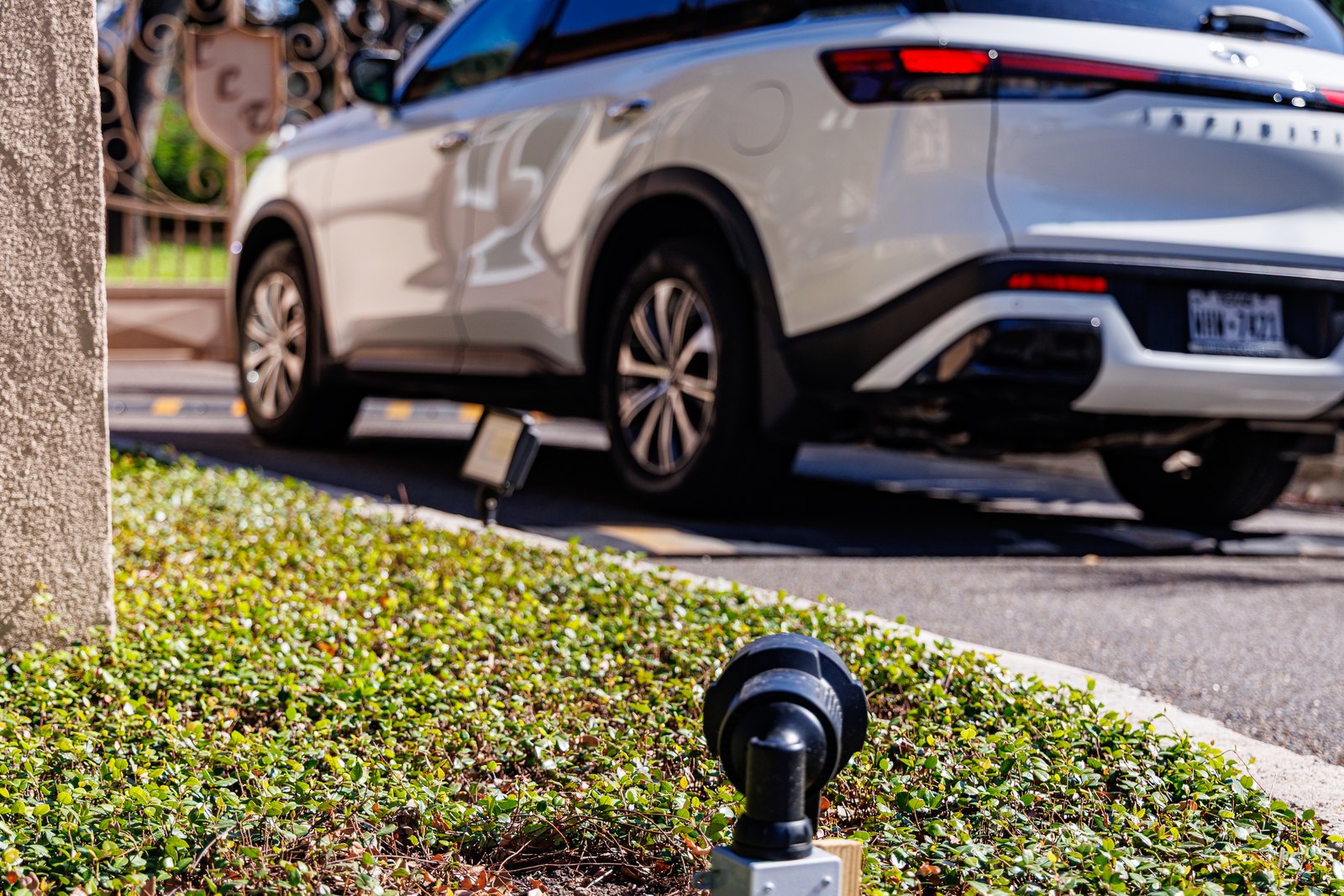
Everybody that pulls into my neighborhood is not somebody I know, and if I already know who they are, that defeats the whole purpose. I need to identify the plates that are not known. So I reached out to Ubiquiti, and I said, hey, this is exactly what I was looking for, and it doesn't do that. Can you all make this happen?
I'll tell you straight up, it was really cool, because within a few hours a magic checkbox appeared on the dashboard itself, and it's a big deal. Kudos to the team at Ubiquiti for taking feedback and turning it into a feature that has made a difference in what I'm doing.
The only other question I have is what other models this is going to work on. I bought the LPR cameras specifically for the IR bounce and the reflective capability, but it's my understanding that LPR works on a number of their cameras, so I'm anxious to try that out.
What does the power budget actually look like?
The deployment requires a UDM, so I used the Dream Machine Special Edition because it had PoE ports capable of supporting the cameras. In my installation I've got three cameras, and the only downside is the UDM Special Edition has two PoE+ ports. The rest are standard PoE ports, so I still had to buy a PoE+ injector in order to get that third camera up and running. That was interesting on its own, but the real lesson came after dark.
I learned that if you plug an LPR camera into a standard PoE port, it will work during the day, no problem. But at night, when the IR sensor comes on, it pulls more power than that switch had the ability to provide on the standard PoE port, so the camera quits functioning. It worked great during the day, and then it quit working totally at night, which is exactly when you want a license plate reader running. If you're speccing one of these installs, count your PoE+ ports before you count your cameras.
Do this
- Budget for PoE+ on every LPR camera in the design, not just the ones your controller happens to have ports for.
- Test the cameras after dark before you sign off on the install, because a standard PoE port will run them all day and kill them the moment IR kicks in.
- Go look at your Ubiquiti dashboard for the new checkbox that pushes unknown license plates via API.
- Stop relying on the log-scraping approach for plate data, because it will not survive a Dream Machine or camera firmware update.
Tell the vendor what you actually need. Ubiquiti turned my request into a shipped feature, and that only happens if somebody asks.